Using Temporary Emails to Sign Up and Download Safely
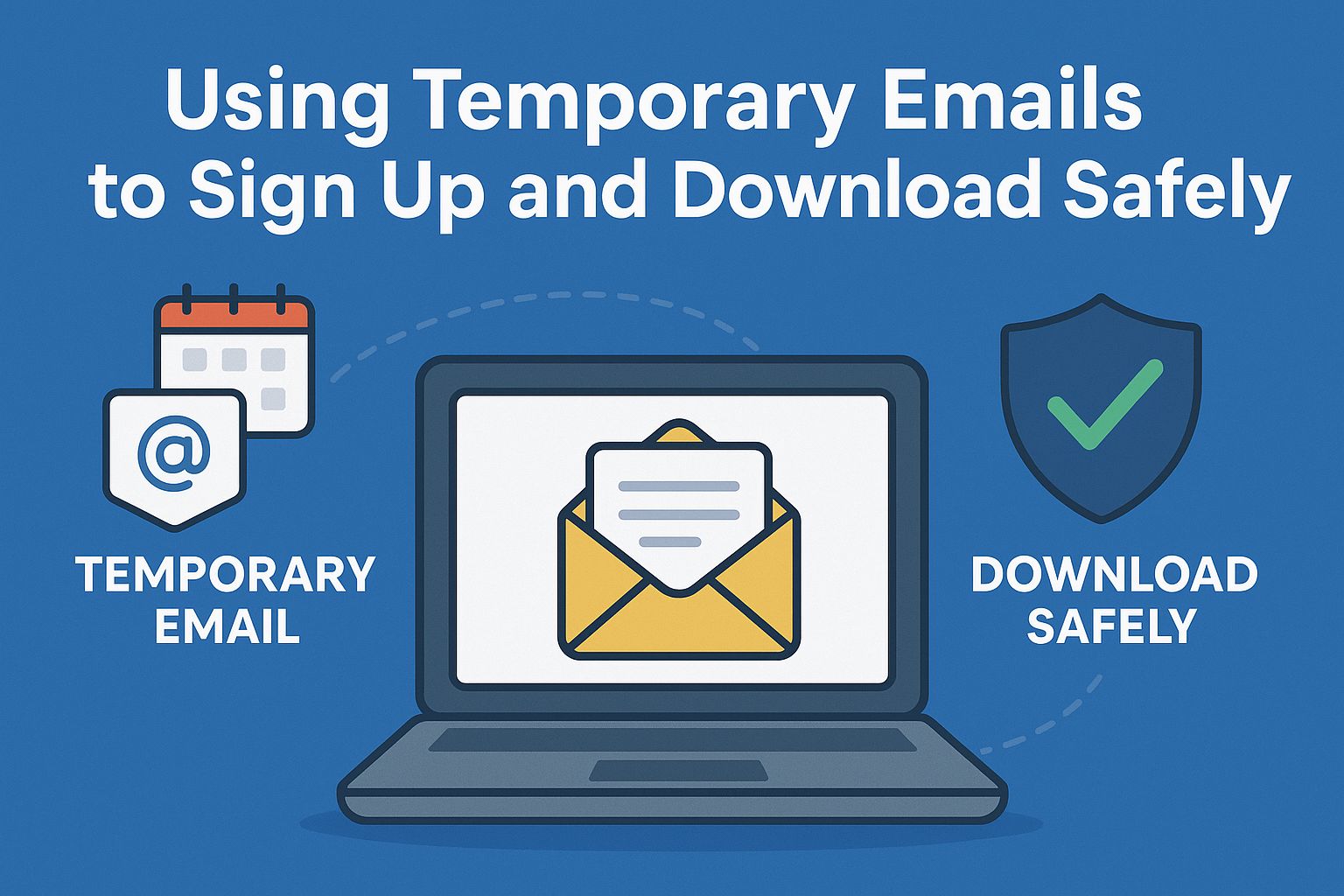
Using Temporary Emails to Sign Up and Download Safely
There are a lot of chances online, like free trials, downloadable materials, and stuff that only you can see. But most websites merely need your email address. It might not seem like a big deal, but using your personal email for every sign-up might get you spam, marketing emails, and data breaches.
Tempsmail offers temporary email services. You may make a temporary email address with just one click to keep your inbox safe while still being able to access anything online. This post will show you how to use temporary emails to keep sign-ups and downloads safe.
Why do you need a temporary email address?
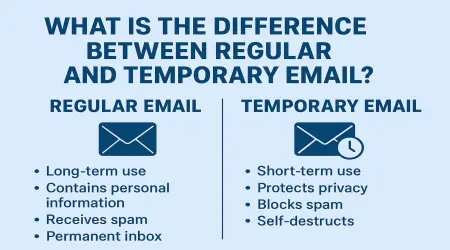
Your genuine email address may be saved, sold, or added to marketing lists on sites you don't know. It eventually leads to:
A full inbox with spam.
Unwanted emails and ads.
Possible phishing.
With a tempsmail address, you may access things without giving out your personal information.
How to Use Temporary Emails to Sign Up
1. Go to Tempsmail
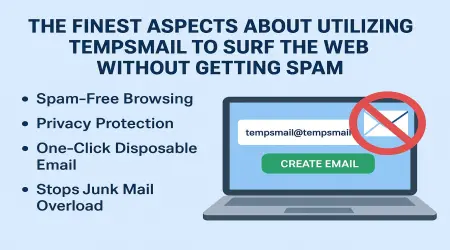
Go to Tempsmail.com. You don't have to join up to acquire a temporary email address right away.
2. Copy the temporary address
Your system makes an email that is unique. Copy it and paste it into the form on the website to sign up.
3. Register
Use your temporary email to fill out the form and add any other information.
4. Look at the Verification Emails
A lot of websites send confirmation messages or links. Go back to Tempsmail, where emails show up without having to reload.
5. Get to content safely
Please click the link to verify or the button to download in your temporary mailbox. You can erase the email address after you're done without impacting your account.
Getting files with temporary emails
You need an email address to get free eBooks, PDFs, or software from a lot of websites. It adds people to companies' email lists, but it also fills your inbox with ads all the time.
Tempsmail lets you:
Download right away without getting spam.
Get PDFs, photos, and documents safely.
Don't give out personal information to get a free file.
Fill out the form with your temporary email, wait for the download link or file, and then enjoy your resource safely.
Things to Remember When Using Temporary Email Safely
To get the most out of Tempsmail, keep these things in mind:
For short-term needs, sign up, try it out, or download it.
With Tempsmail's favorites feature, you can save important emails for later.
Don't use temporary email addresses for banking, government websites, or long-term subscriptions.
There is no limit, so why not make new addresses often?
Why you should sign up with Tempsmail Secure
Tempomail is different from other temporary email providers. Some of its safety and convenience of use features are:
Real-time updates to your mailbox for verification emails.
You can make as many addresses as you wish.
Temporary email addresses that have their own domains.
Support attachments so you don't lose files that are crucial.
There are no extra expenses or premium features; it's free.
One last thing
If you use your personal email to sign up for a free trial, enter a contest, or download an eBook, you could get spam and other unwanted advertisements. Use Tempsmail temporary email to keep yourself safe.
It allows you access everything online quickly, safely, and without revealing your identity. If a website asks for your email, don't think twice. Tempsmail takes the tension out of digital life.